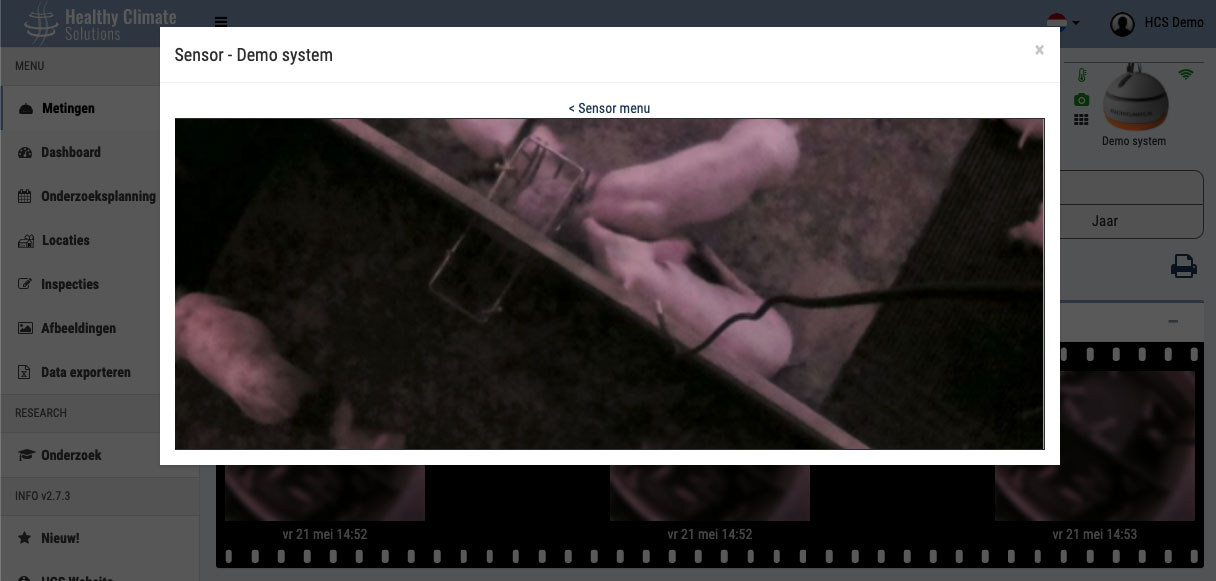
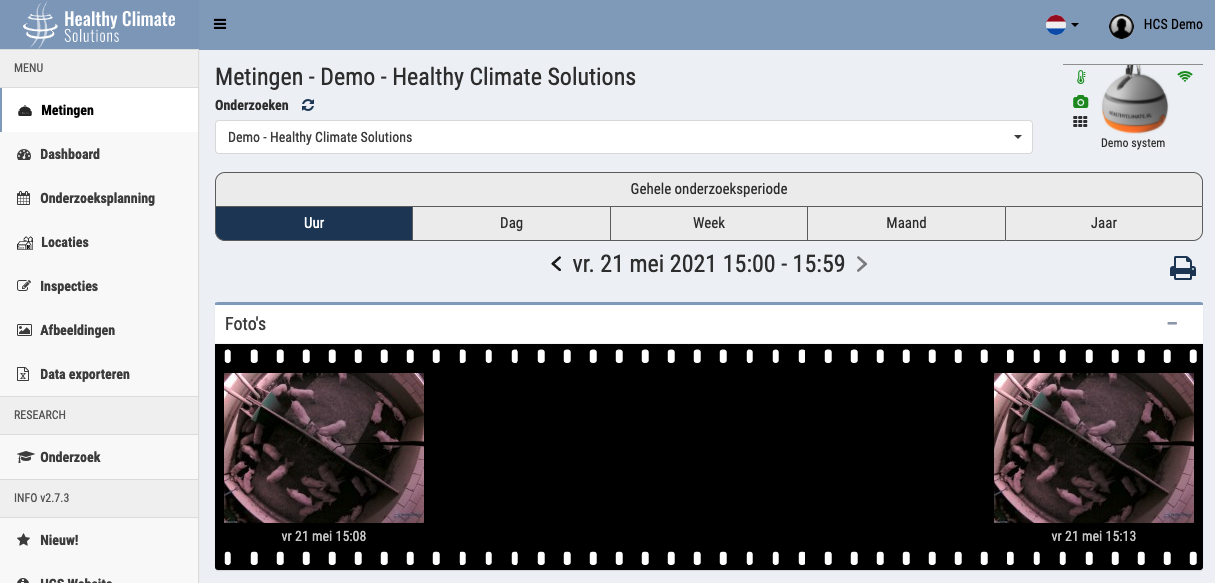
Camera focus
Is the Healthy Climate Monitor (HCM) camera giving blurry images?
You can focus the Healthy Climate Monitor's camera yourself by carefully turning small turns (about 20 degrees) on the lens at the bottom centre of the Healthy Climate Monitor.
Follow the roadmap to focus the camera:
Open the app
Go to Measurements
Click the Healthy Climate Monitor icon at the top right of the screen
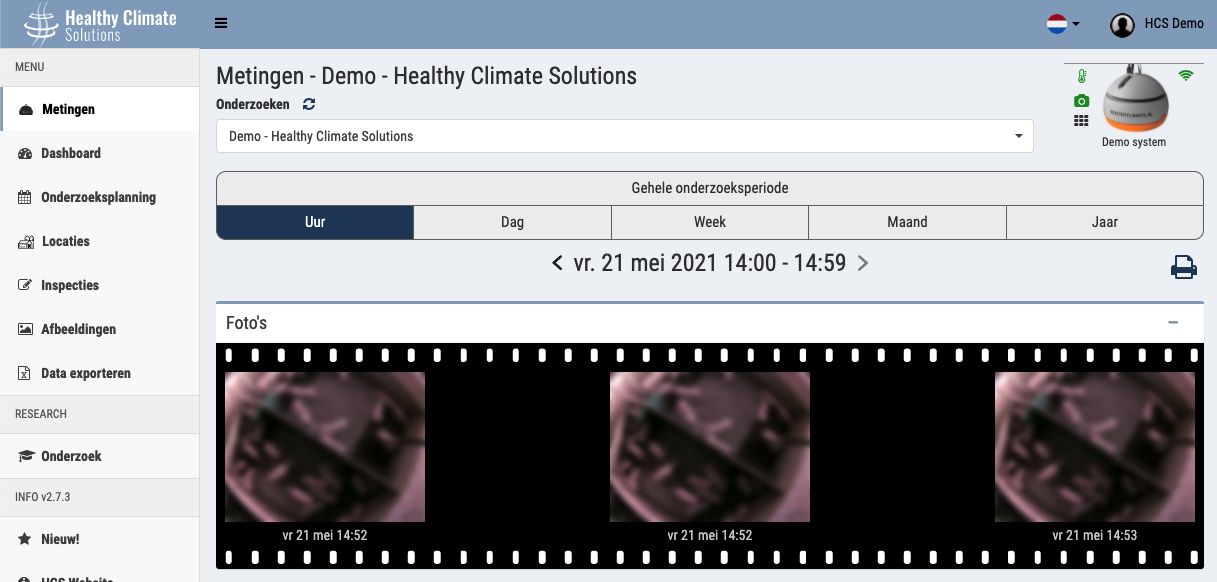
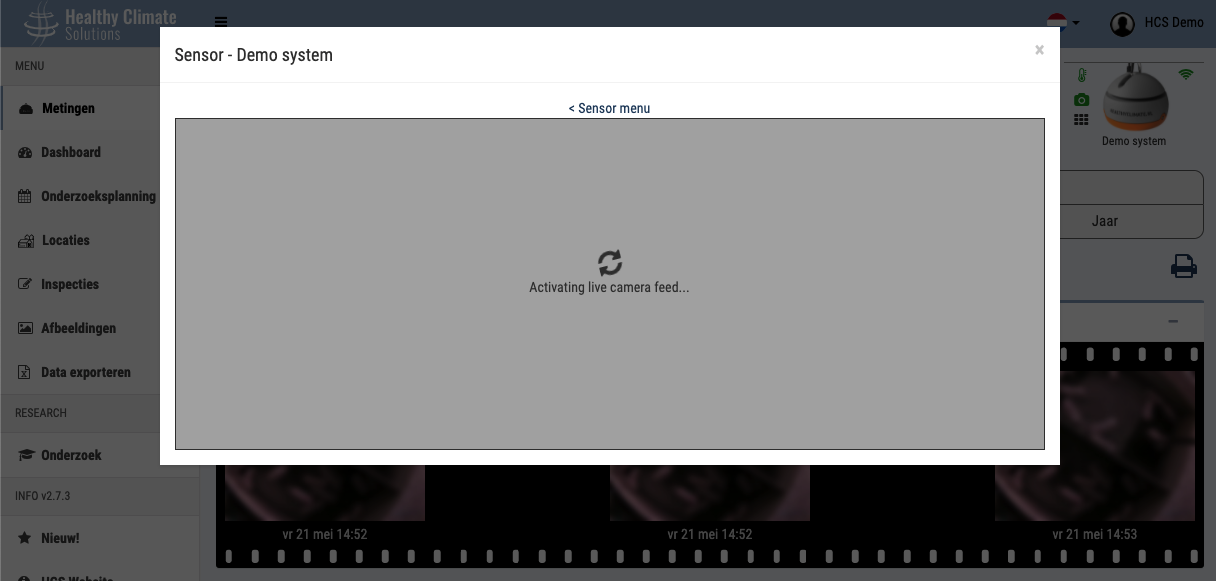
The sensor menu opens in a popup. Press the button: Camera focus (2 min live view) to activate focus mode on the HCM.
After pressing the focus button, it may take up to 60 seconds for the first image to come through. After that a picture will be transmitted every 2 seconds for 2 minutes. These pictures are not saved.
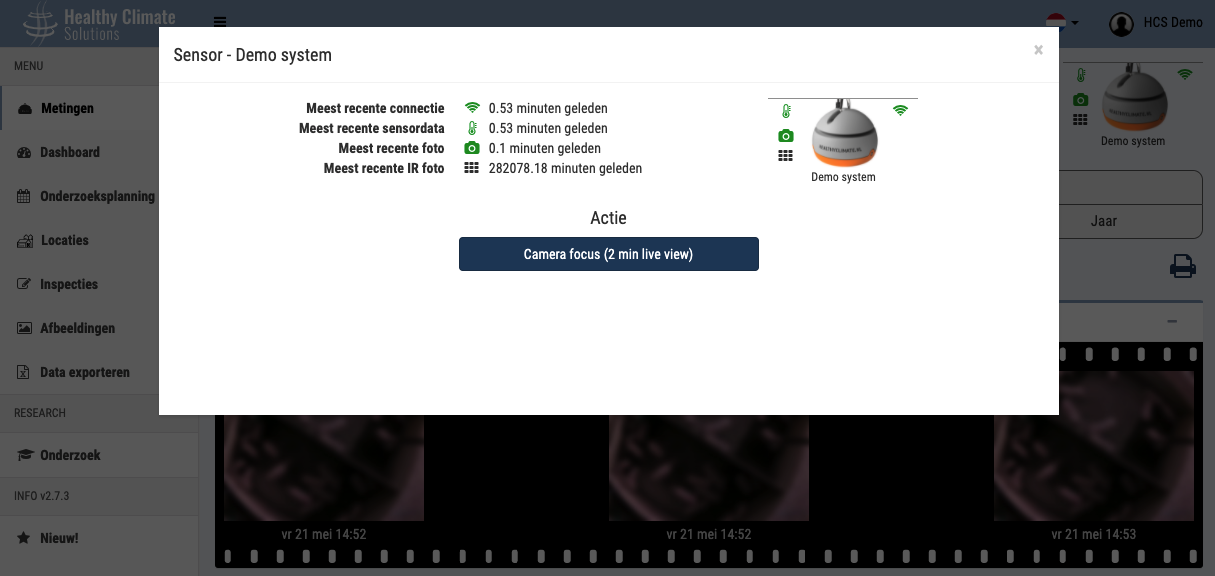 When an image appears, rotate small bits (10-20 degrees on the camera lens (bottom center), and see if the next photo is sharper.
 If necessary, you can press on the photo to zoom in/out to make the sharpness more visible (especially on a mobile phone)
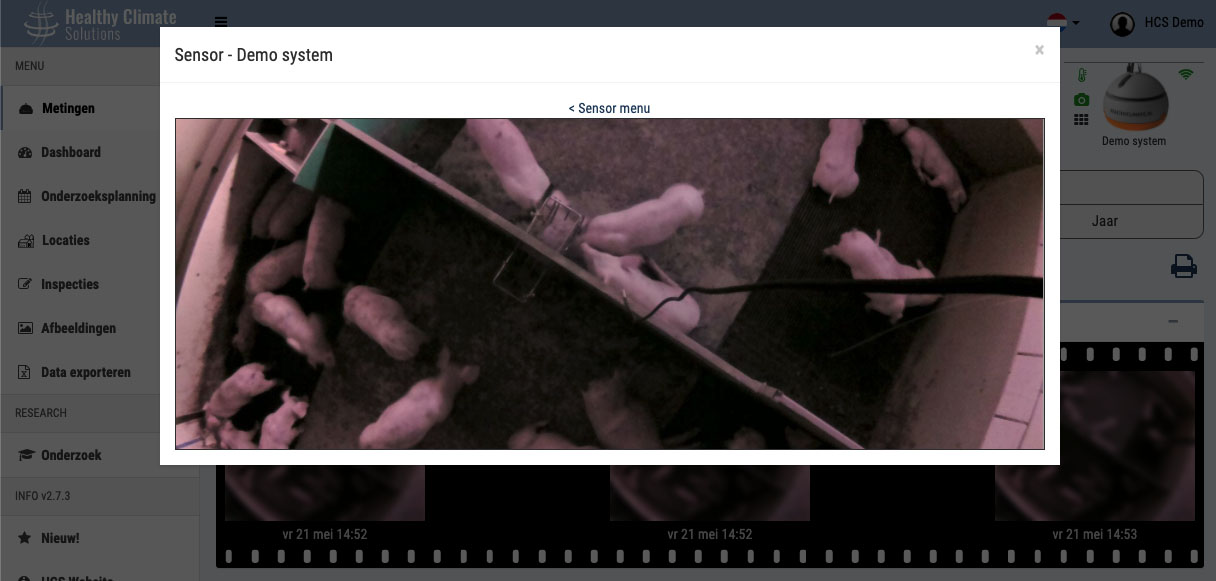 If the image is in focus, you can close the popup window. After the 2 minutes, the HCM goes back to normal photo mode and the pictures are saved again.