Create a PDF report
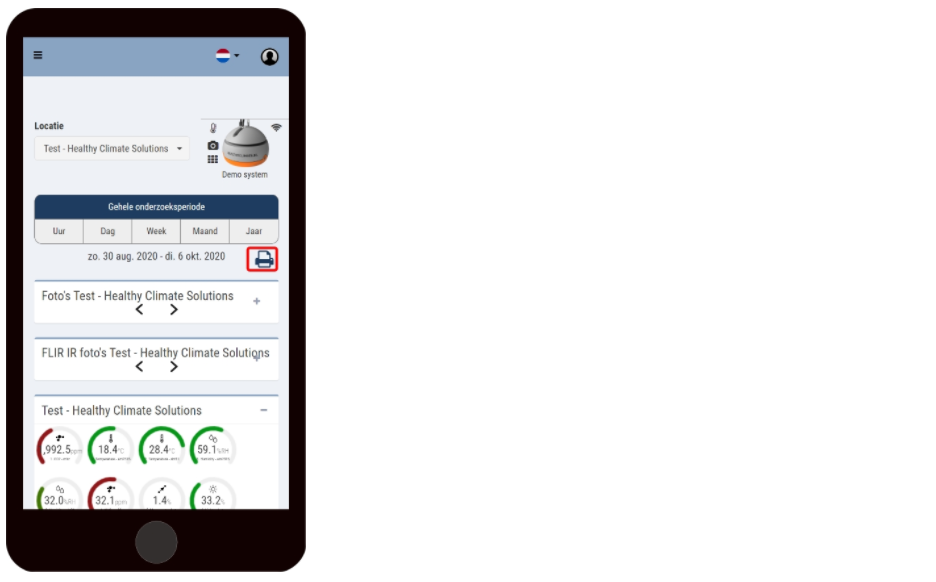
With the print button you can easily make a print/PDF version of the visible pictures and data in the Measurements screen.
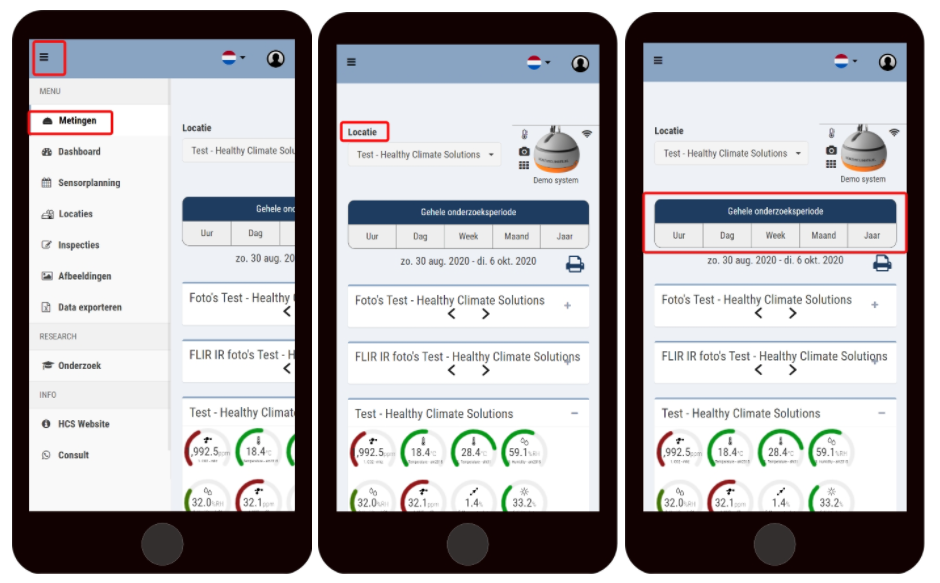
To get the measurement data from the HCM in a report, follow these steps:
Go to measurements;
Select the desired location;
Select the desired survey period;
Click on the print button;
Select a printer or save as PDF.
Don't want the photos on your PDF? Then close the photos by pressing the minus sign before clicking the print button. This applies to all data within a frame in the Measurements screen.